Yes, users can export a list of the drivers associated with their account, subject to their user permissions.
To do this, users should navigate to the ‘Maintenance’ tab, select the ‘Drivers + Keyfobs’ section and then 'View Drivers'.
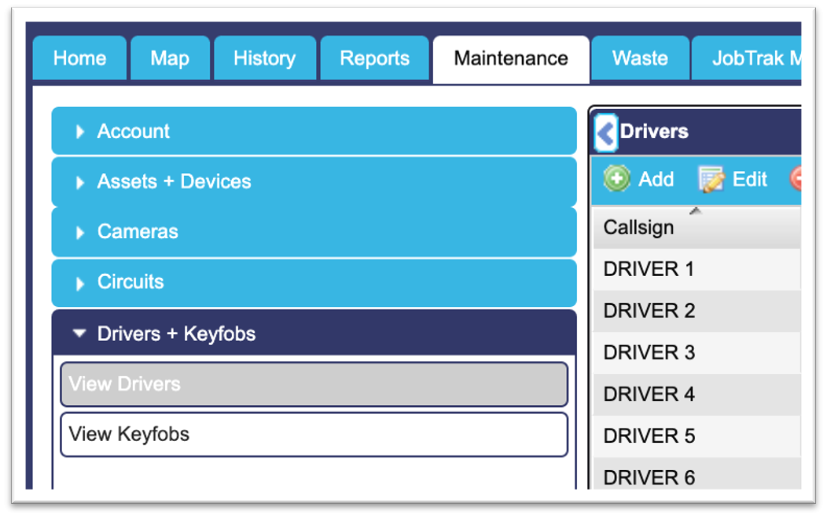
Users should then click onto the ‘Export’ button at the top of the table, which will instantly download a driver list to the users computer.
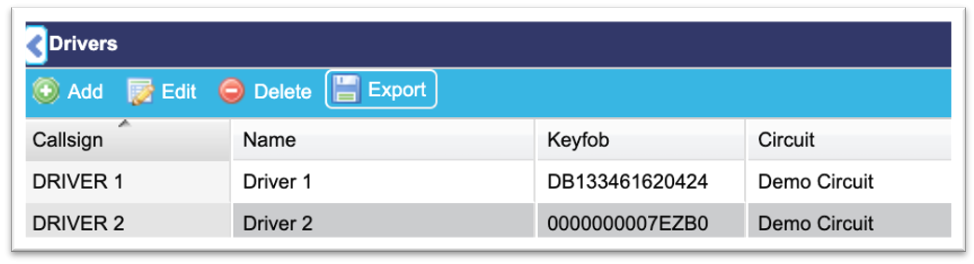
This export will include information such as the drivers name, circuit that they are assigned to and their unique identification method reference number for example.