If you have scheduled an ad hoc tachograph download, and the download status column of the ‘Ad Hoc Tachograph Download’ widget is showing as ‘Failed’, users can force this download to retry.
To do this, simply click the ‘…’ button in the ‘Actions’ column, next to the failed download to show the option ‘Retry Download’.
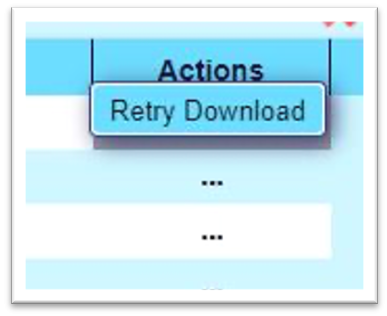
Clicking this button will do exactly that and attempt to download the tachograph again. If this problem persists then please contact our Support Team to discuss this further