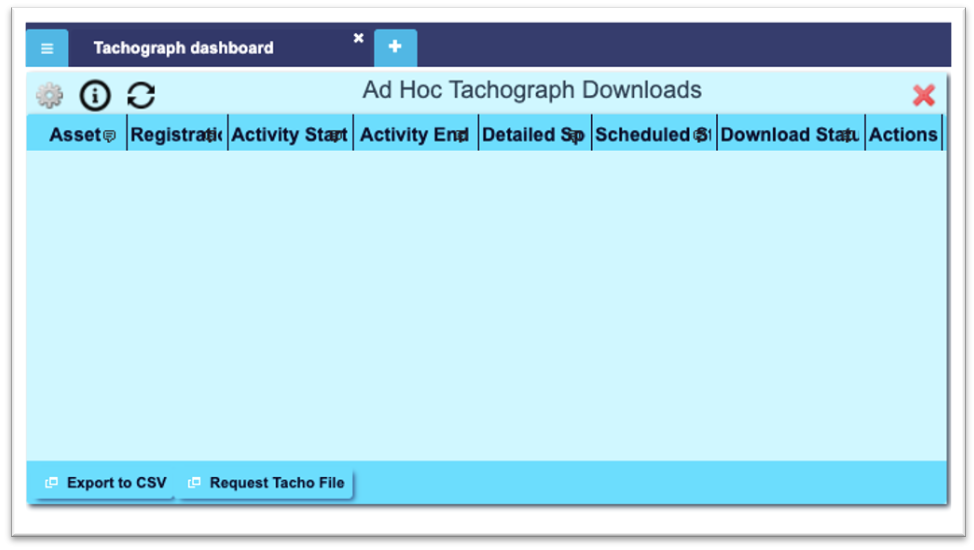
In order to request an ad hoc tachograph download, users should use the ‘Ad Hoc Tachograph Downloads’ widget within a Tachograph Dashboard.
In order to achieve this, users should click on the ‘Request Tacho File’ button at the bottom of the widget,:
Clicking onto this will show the ‘New Tacho Download’ pop-up window shown below:
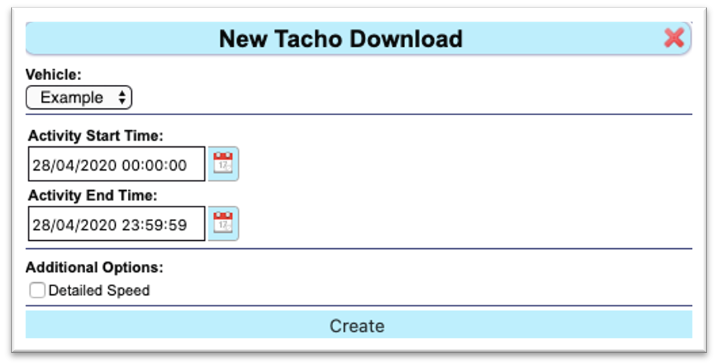
Users should then choose which vehicle’s tachograph they would like to download from the vehicle drop-down list, and the date range that they wish to download.
To request the download, click ‘Create’ at the bottom of the pop-up window. This will now add the tachograph download schedule to the widget table for you to view.
The ‘Download Status’ column of the table will confirm whether the download has completed or not. Please note that a vehicles tachograph will only download when the ignition is on.
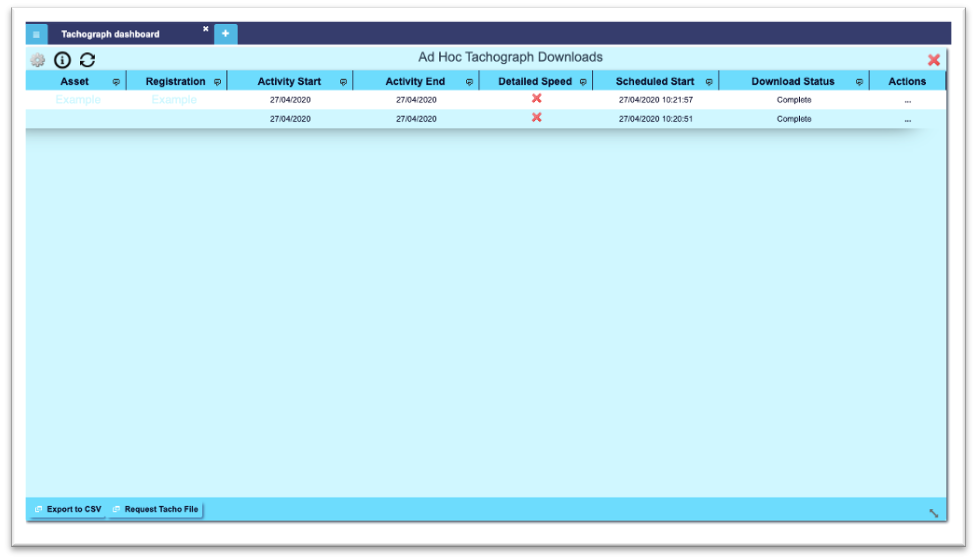
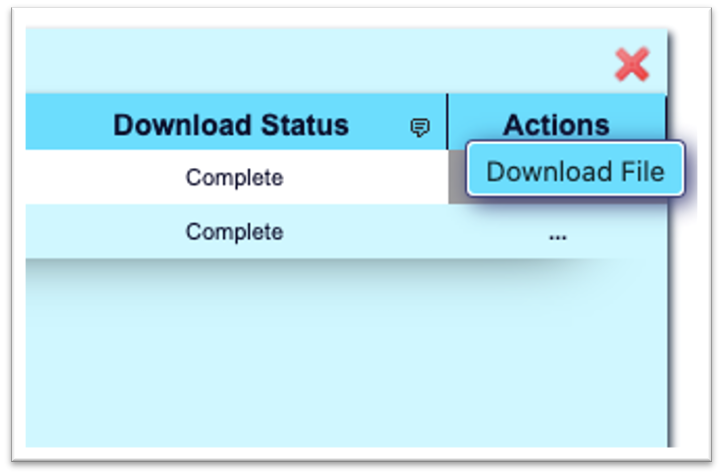
Once the download status shows as being ‘Complete’, users can click the “…” button under the ‘Actions’ column to download the Tachograph file directly to their computer system, if required.