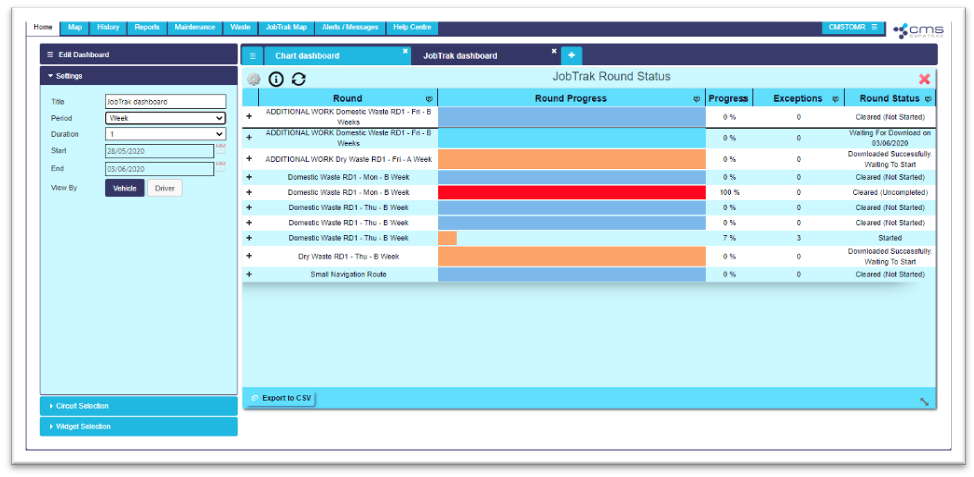
To create a JobTrak dashboard, navigate to the ‘Home’ tab of the SupaTrak web-application.
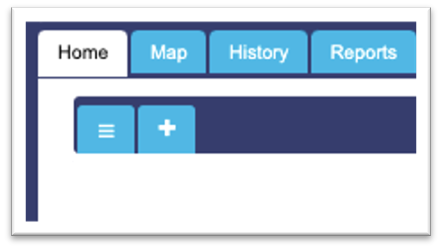
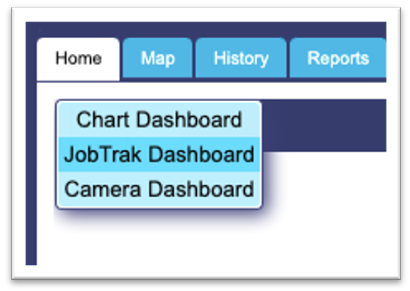
Click the ‘+’ button at the top of the window and select ‘JobTrak Dashboard’ from the drop-down list.
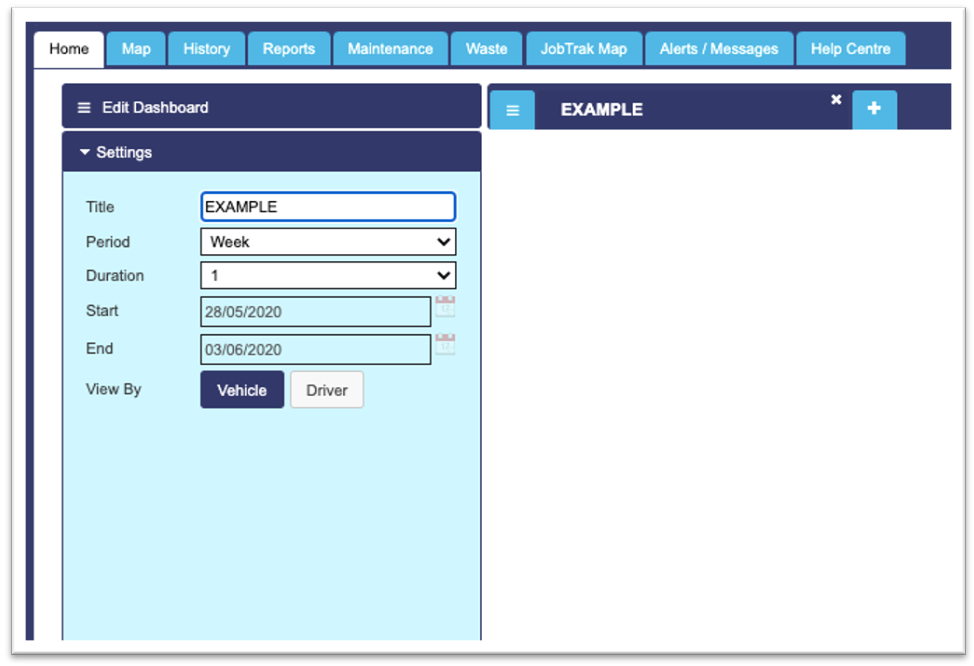
Then, using the ‘Edit Dashboard’ bar, name the dashboard and select which period of time you would like to view data from.
Under ‘Circuit Selection’, choose the circuits and vehicles you would like to include in the dashboard.
Select the ‘JobTrak Round Status’ widget under the ‘Widget Selection’ tab to add this to your dashboard.