In order to add a new customer, please navigate to the 'JobTrak' section and click onto 'Trade Waste'. Next, please click onto the 'Customers' page. The page below should now be visible.
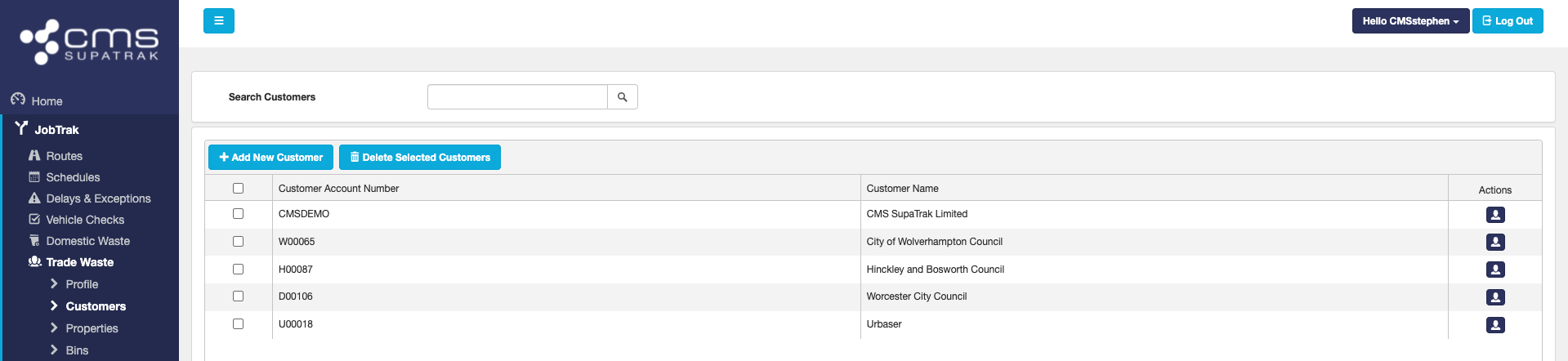
In order to add a new customer, please click onto the 'Add New Customer' button and fill the information in requested.
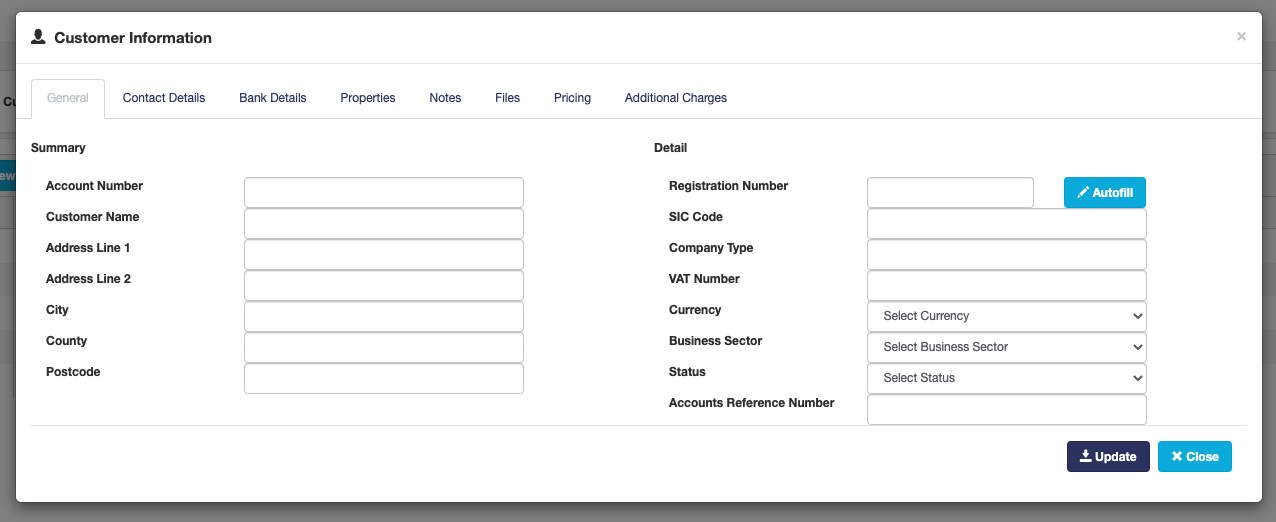
As a minimum, the customers account number and name is required. The tabs across the top of the pop-up section will allow you to insert additional information such as contact details and pricing information etc.
Suggestion:
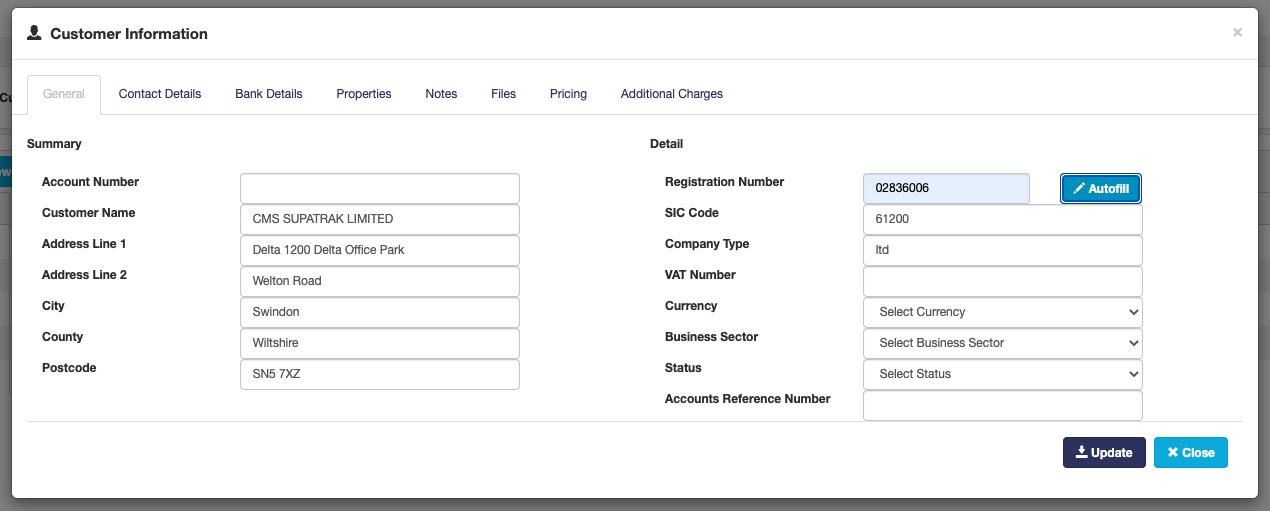
Please note that if you have the organisations registration number, using the autofill option shown below will populate a number of the fields.