In order to change this, please navigate to the 'Routes' page and search for the route that you want to update. Once found, please click onto the light blue edit round button shown below - this can be found in the actions section on the right-hand side of the page).

Once selected, a pop-up window similar to the one below will be shown.
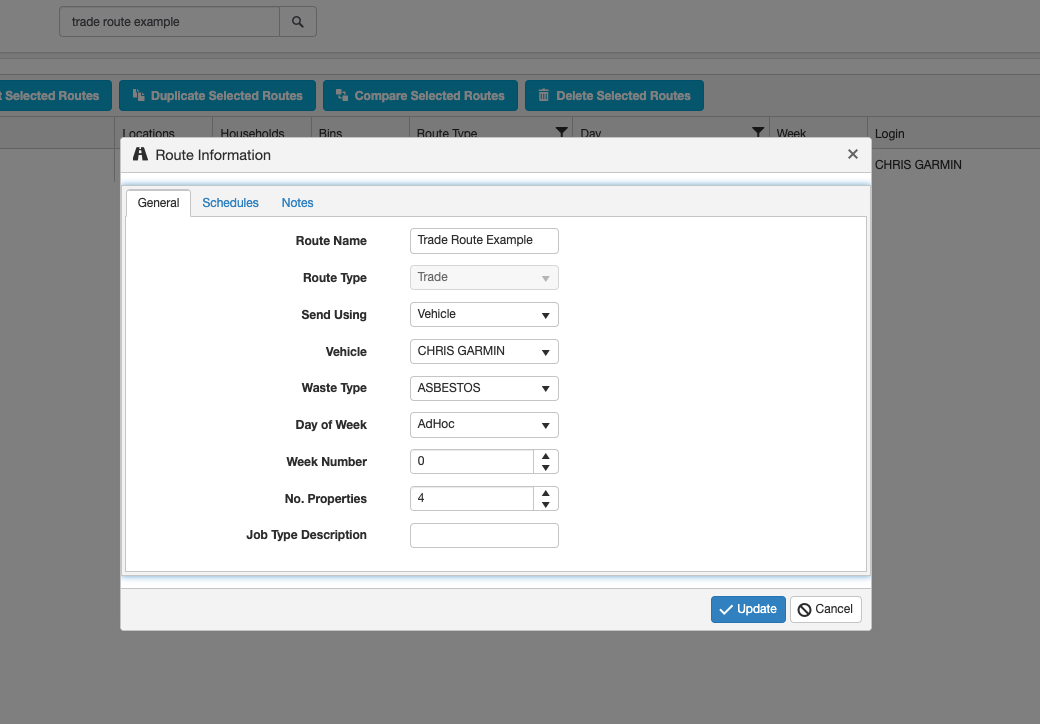
Edit the information you wish to change and click the 'update' button to save this.
NB: If you are using the scheduling tool the day of the week should be allocated to 'AdHoc'.