NB: CMS SupaTrak recommend that a route is duplicated before major changes are made to a route. This will allow customers to revert back to the original route quickly and easily, if required.
In order to edit a trade waste route, please navigate to the 'Routes' page and search for the route that you want to view/amend. Once found, please click onto the dark blue 'route detail' button shown below - this can be found in the actions section on the right-hand side of the page).

Once selected, a pop-up window similar to the one below will be shown.
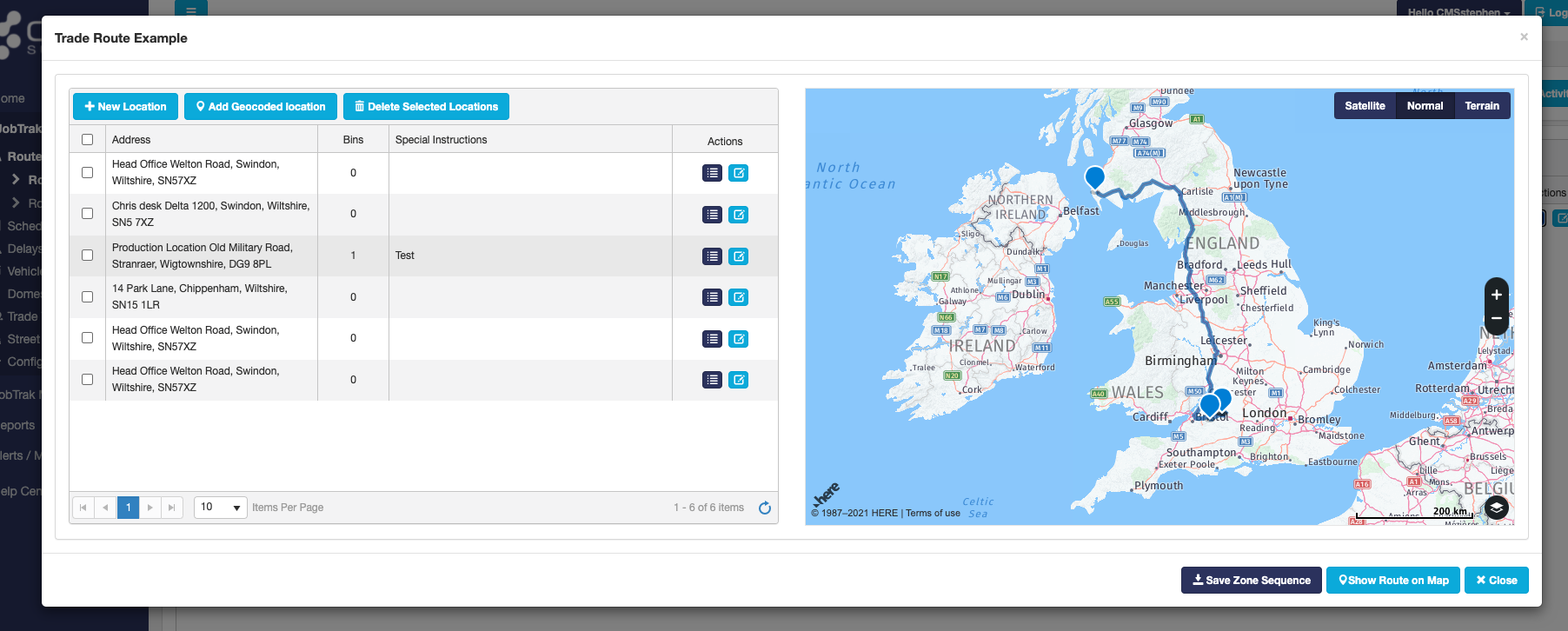
There are many ways that a route can be edited. First of all, you can change the sequence properties are collected by simply left clicking onto the property and dragging it up and down in the list.
Next, you can also add new properties by clicking onto the '+ New Location' button and selecting a property from the list shown below. Please note that you can also search for properties within this area as well.
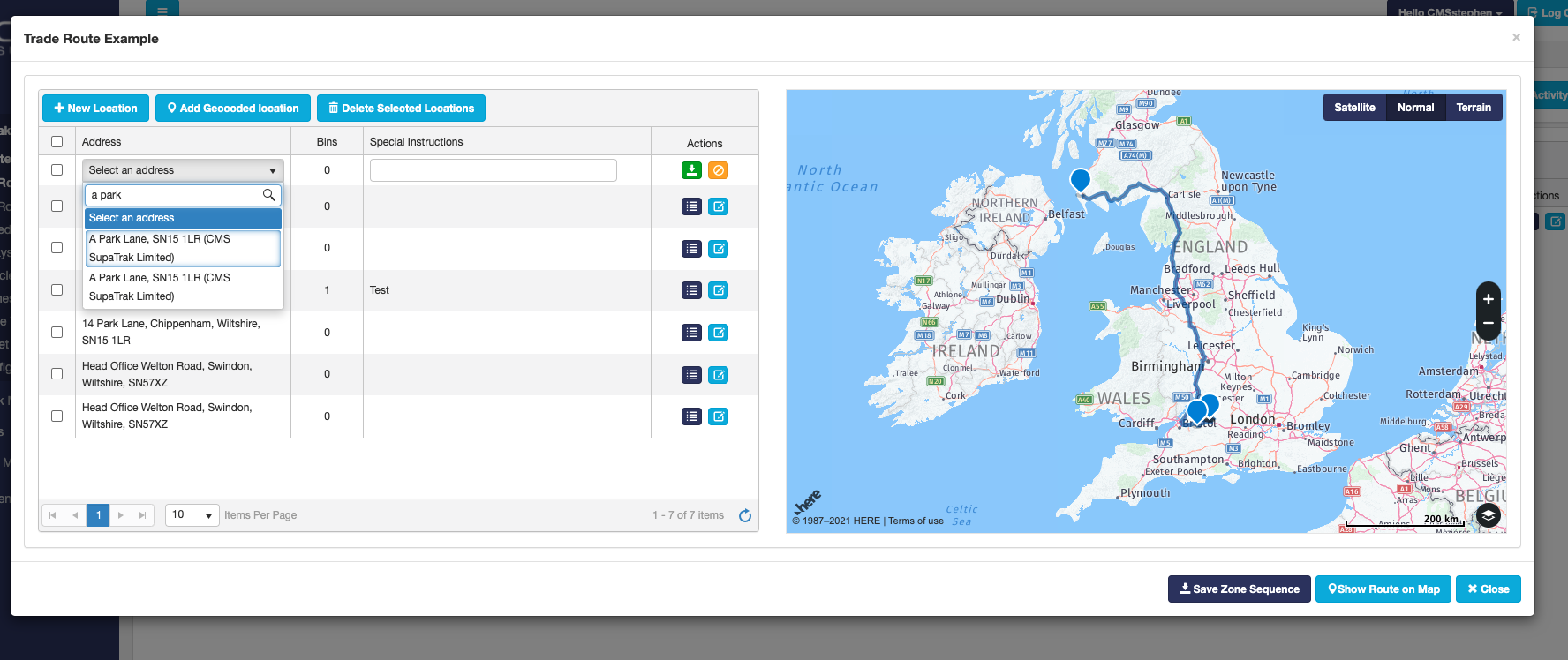
it is also possible to edit an existing property by clicking onto the light blue edit button where you will be able to add or amend special instructions etc.
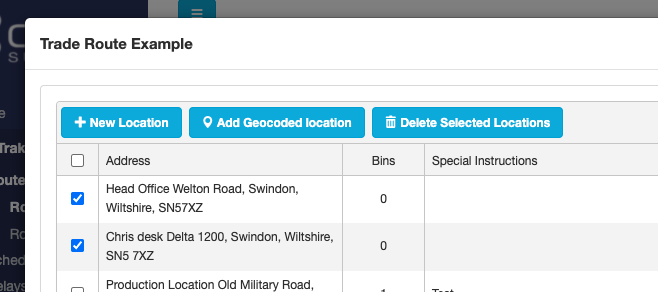
Finally, if you click onto a property using the box on the left hand-side of the property name, you can then use the 'Delete Selected Locations' button to remove them from the round.
Please remember that before closing the pop-up window you must click onto 'Save Zone Sequence' to apply the changes.