Yes. The upload options are available within the 'JobTrak' section, under 'configuration' and then 'trade tools'. Please see the screen shot below for your consideration.
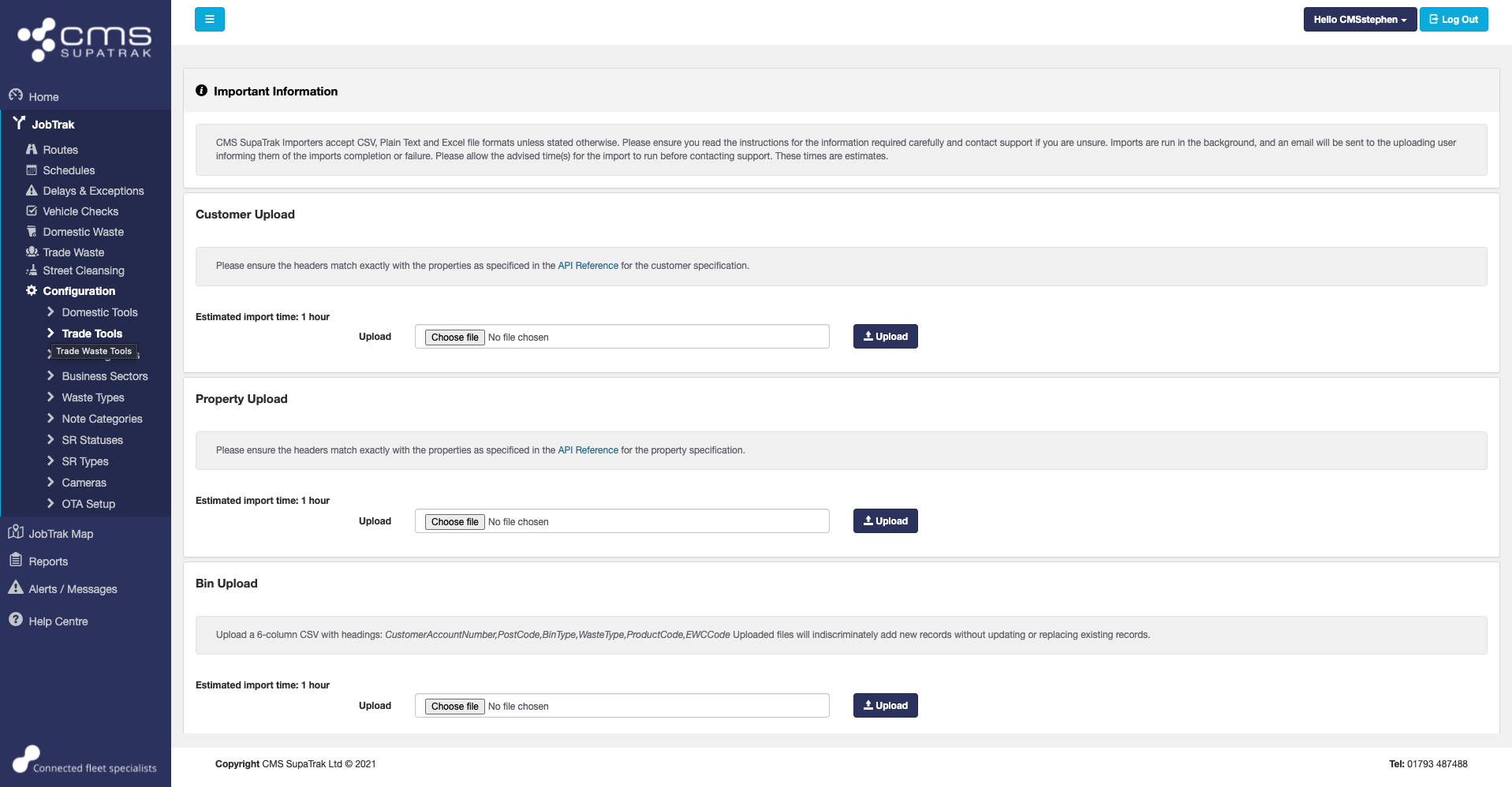
CMS SupaTrak Importers accept CSV, Plain Text and Excel file formats unless stated otherwise. Please ensure you read the instructions for the information required carefully and contact support if you are unsure. Imports are run in the background, and an email will be sent to the uploading user informing them of the imports completion or failure. Please allow the advised time(s) for the import to run before contacting support. These times are estimates.
In addition, please note that the imports should be completed in the following order:
1. Customers
2. Properties
3. Bins
4. Routes.