IMPORTANT: Please note that JobTrak v4 is subject to change during the BETA test process.
From the menu on the left side of JobTrak, go to the ‘JobTrak Map’ section. Under the Route Activity section, select your start and end date/time that you wish to search for. Click on ‘Apply Filter’ and the relevant routes will be listed.
To see in more detail what progress has been made, select the route you wish to view on the map. There is a marker on the map for each UPRN included in that route:
- Green: completed
- Red: exception
- Yellow: delay
- Black: not yet started
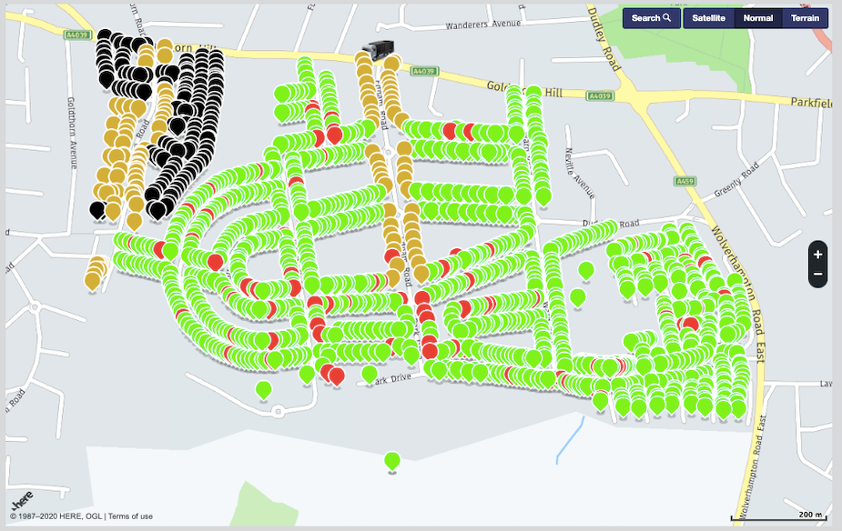
Each of these markers can be clicked on to view more details about the property information.