IMPORTANT: Please note that JobTrak v4 is subject to change during the BETA test process.
Click onto the ‘JobTrak’ section and select the ‘Schedules’ menu. To create a new schedule, click onto the ‘+ Add New Schedule’ button.
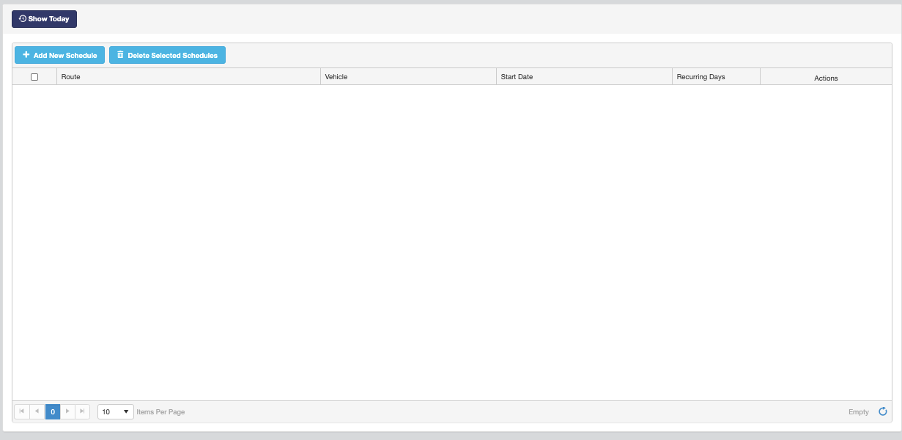
Using the drop-down menus, select the route you wish to schedule, and the vehicle that will do this route. From here you can also select the start date as the first date you want this route to be completed, and then the frequency of how often the route will recur (in days).

Once you are happy with your new schedule, click on the green icon to save. Once saved, you can amend your schedule details by clicking on the blue icon at the end of that row.

Clicking the purple icon will allow you to view the scheduled dates on a calendar.
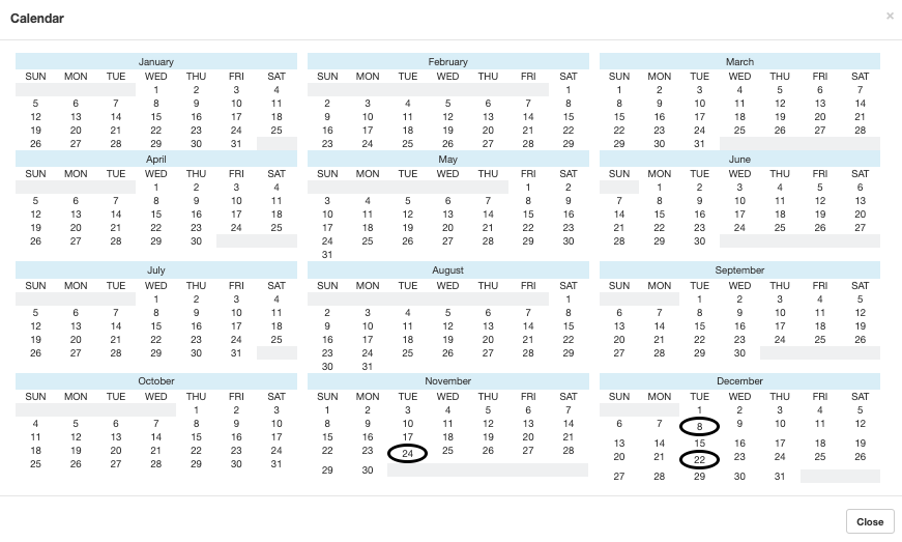
Clicking the yellow ‘Overrides’ button will allow you to add new override dates and replacement dates for one off events.